Using the portal
Overview
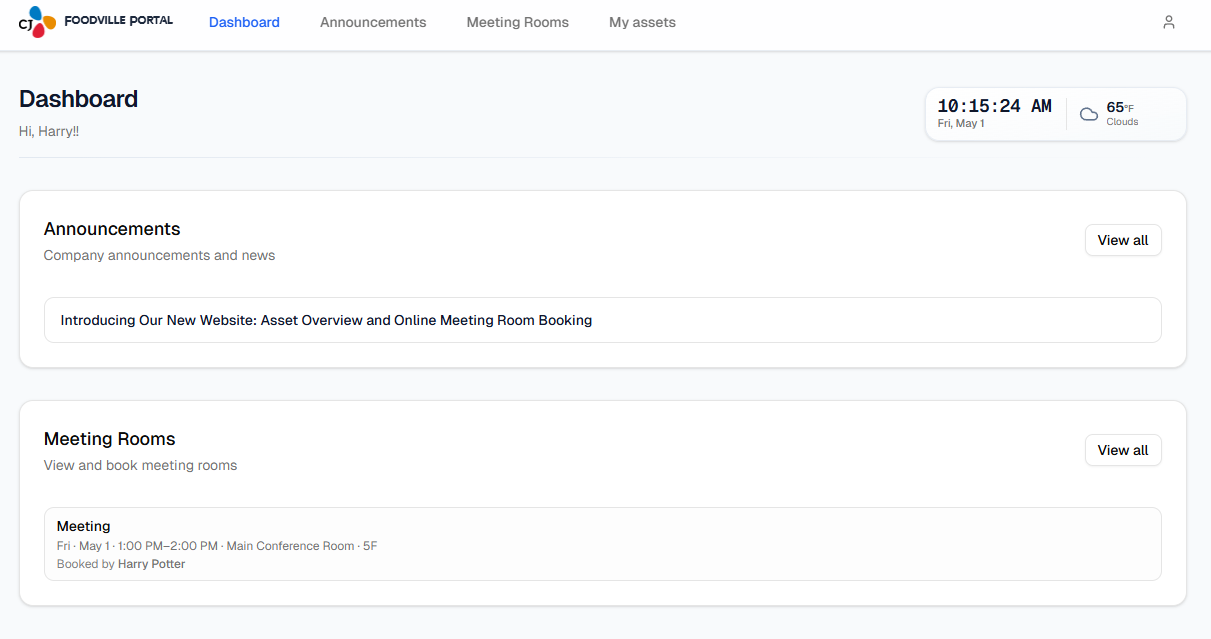
After you sign in, the same features are available from the top bar (desktop) or the menu (☰) on phones. This section of the guide is split into one page per area so you can share a direct link (for example only Meeting Rooms).
← Guide home