
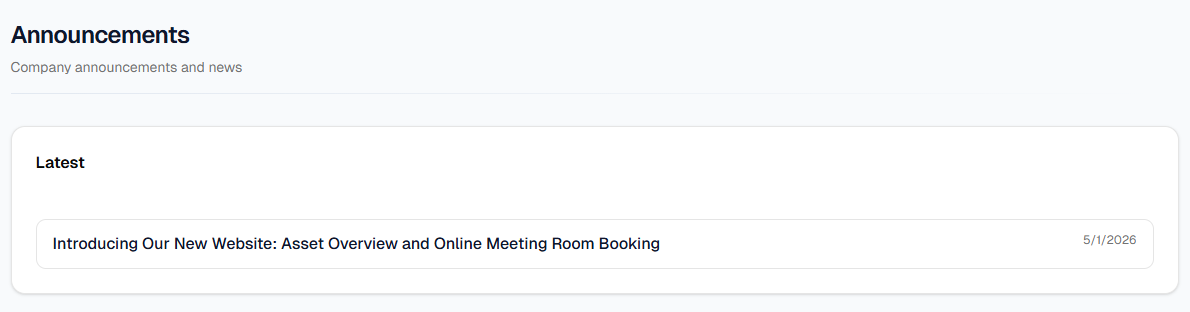
Open Announcements from the top bar or from ☰ on a small screen. On Dashboard, the Announcements card lists recent posts (each line links straight to an article) and View all opens this full list. Top bar & menus shows where those links live.
Using the list
- Under Latest, each row is one published post: optional Pinned badge, title, optional one-line summary, and the published date on the right.
- Click a row to open the full article (rich text body, published date at the top). Use Back to return to the list.
- If nothing has been published yet, you will see No announcements at the moment. Drafts and scheduled posts that are not published yet do not appear here.