
You must already be signed in. Open Change password from the person icon menu (desktop) or the Account section in ☰ on mobile. Top bar & menus shows the account menu in more detail.
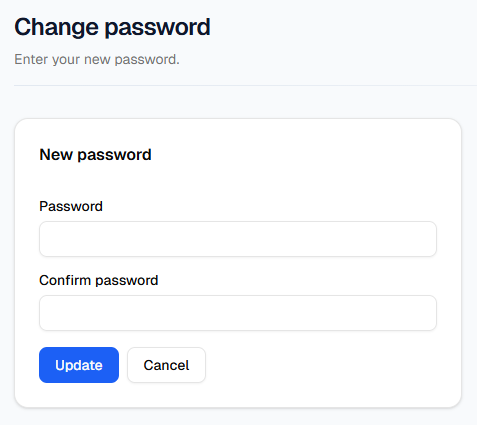
What to do
- Type your new password in Password and again in Confirm password. Both must match and be at least 8 characters.
- Press Update to save (the button shows Updating… while it runs). After a successful change you will see a confirmation and return to Profile.
- Press Cancel to go back to Profile without changing your password.
This page is only when you can still access the portal. If you cannot sign in, use Forgot password? on the Sign in page so a reset link is emailed to you.